Project Zomboid: Connect to Server
Not sure how to join a Project Zomboid server? Don’t worry, we’ve put together a quick and simple guide to help you connect and start playing in just a few steps!
Looking for an easy and reliable server? Try our Project Zomboid Server Hosting
Joining a Server From Inside the Game
- Go to your DatHost Control Panel
-
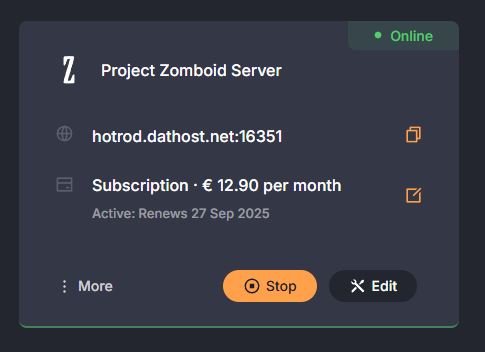
Click Edit on your Project Zomboid server
-
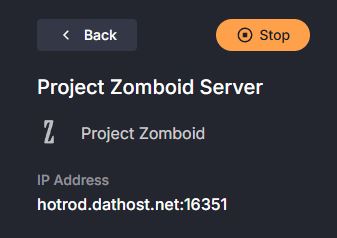
Copy the server IP found in the top left section of the control panel.
-
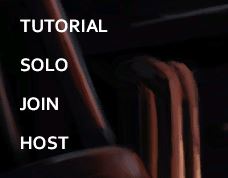
Open the game and, on the main menu, click Join.
-
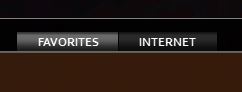
At the top, click Favorites. On the right side, type in the server’s details (IP, port, name, etc.).
-
Click Add. The server will now show up in your list.

-
Done, click on it, then press Join Server. Enjoy your gaming session!